Enterprise Security: Professional-Level Protection
Multi-factor authentication (MFA) system with trusted device management, session control, and complete security panel.
Enterprise-Level Security in CRONOMETRAS
CRONOMETRAS implements an enterprise-level security system designed to protect your sensitive data and prevent unauthorized access. With multi-factor authentication (MFA), trusted device management, and active session control, your time studies are protected at all times.
Multi-Factor Authentication (MFA): Double Layer of Protection
Add a second layer of security to your account with two-factor authentication compatible with major TOTP applications:
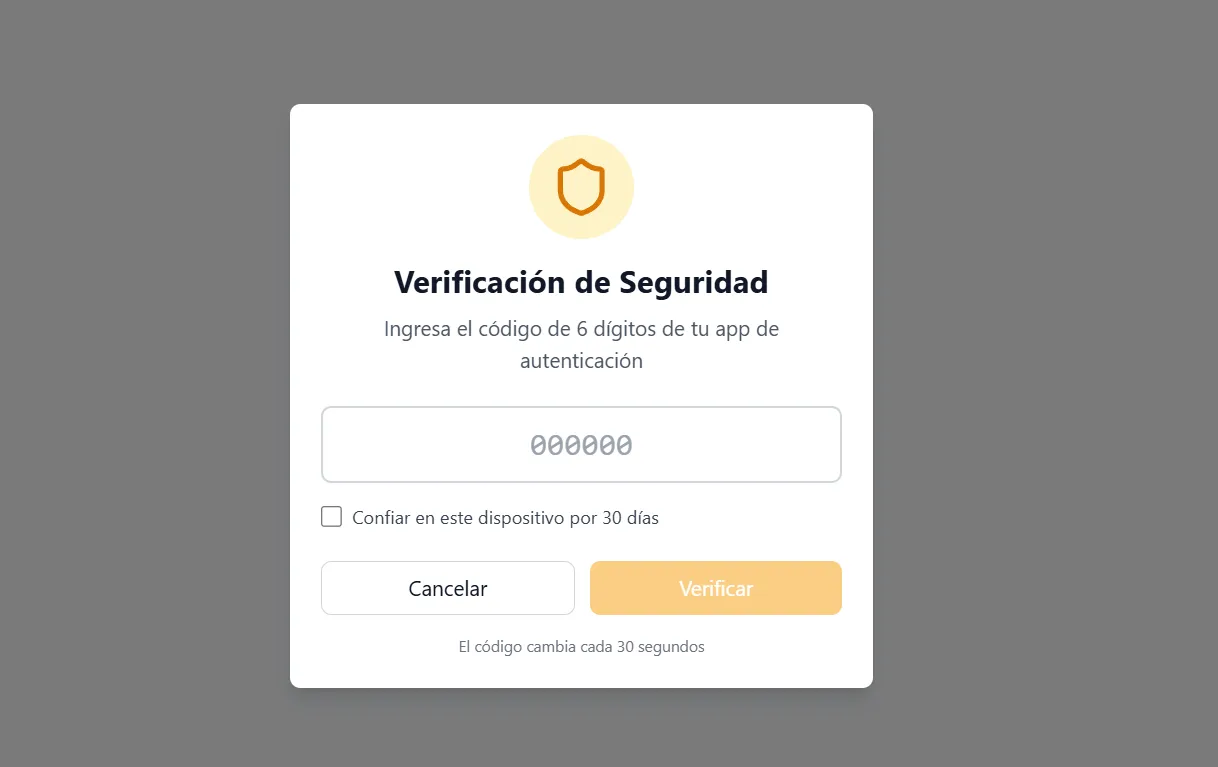
- Compatible Apps: Works with Google Authenticator, Microsoft Authenticator, Authy, and any standard TOTP app.
- Guided Setup: Step-by-step activation process with QR code and immediate verification.
- Recovery Codes: Generate backup codes to access your account in case of device loss.
- Secure Deactivation: Requires verification with current TOTP code to disable MFA.
Trusted Device Management
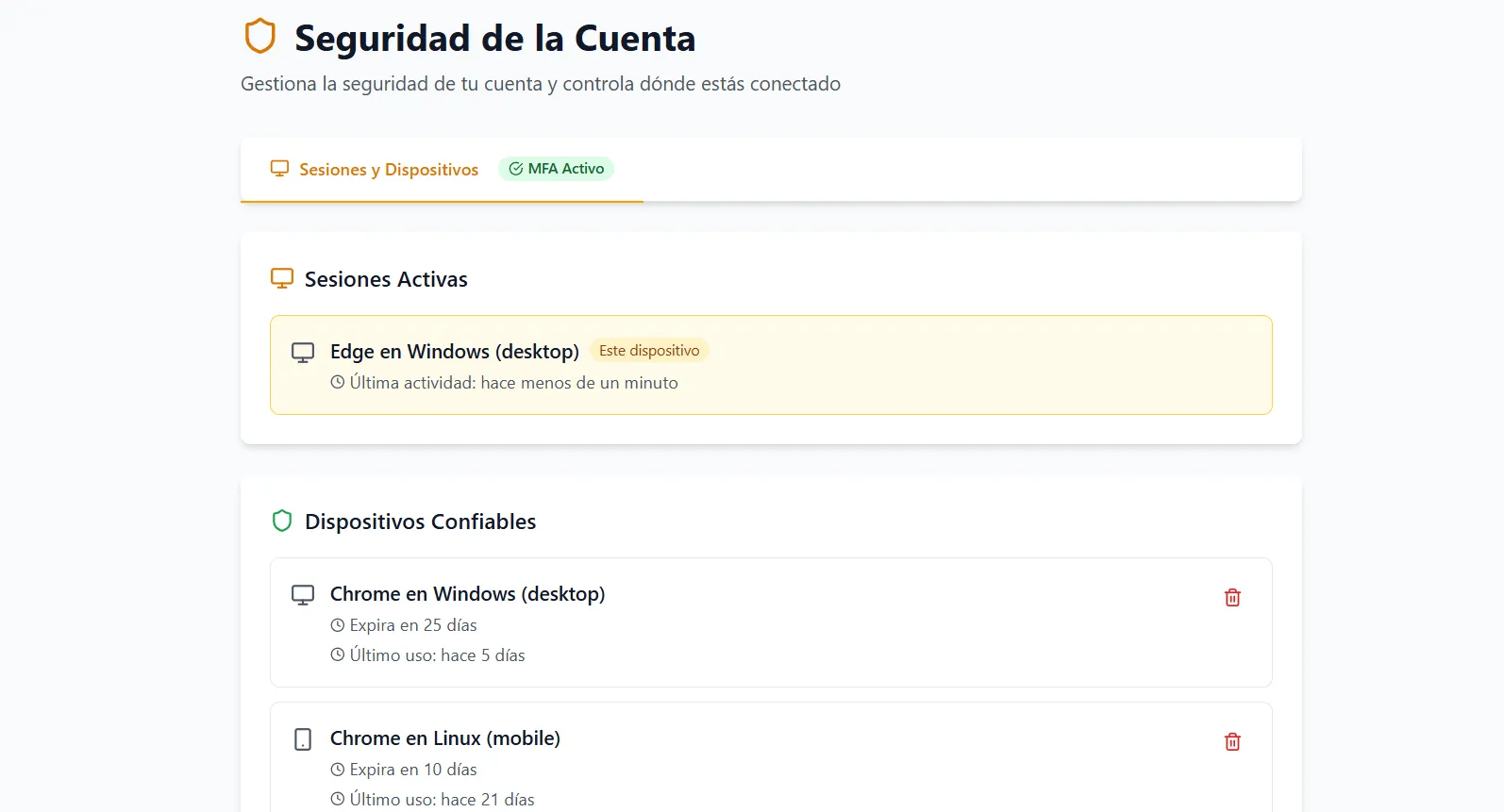
Mark devices as trusted for 30 days to avoid requesting MFA on every login from regular devices:
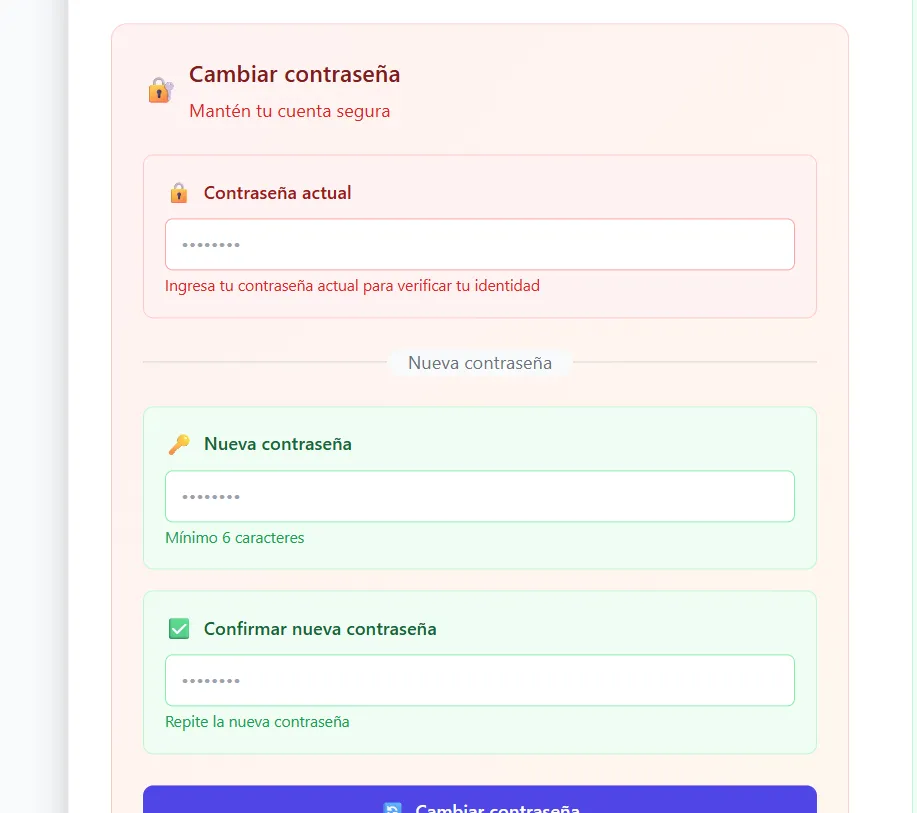
- Device Fingerprint: Unique identification combining browser, operating system, and hardware characteristics.
- Automatic Expiration: Trusted devices automatically expire after 30 days.
- Manual Revocation: Remove trusted devices at any time from the security panel.
- Complete List: View all devices that have accessed your account.
Active Session Control
Maintain full control over active sessions in your account with limits and advanced management:
- 2 Session Limit: Maximum of 2 simultaneous active sessions: one on PC/web and one on mobile/tablet.
- One Session per Platform: When logging in on a platform, the previous session on that same platform is automatically closed.
- Real-Time View: List of active sessions with device, location, and last activity.
- Remote Logout: End any active session from the security panel.
Complete Security Panel
Manage all security aspects of your account from a centralized panel:
- MFA Status: View if MFA is enabled and configure it from here.
- Trusted Devices: List and manage all devices marked as trusted.
- Active Sessions: Control all open sessions in your account.
- Access History: Log of successful and failed login attempts.
Protect Your Data with Enterprise Security
CRONOMETRAS security is designed for enterprise environments where data protection is critical:
- Two-factor authentication with industry-standard TOTP apps
- Trusted device management with automatic 30-day expiration
- 2 active session limit (one per platform: PC and mobile/tablet)
- Complete security panel with access history
- Compliance with enterprise security standards